CarbCam: About
About CarbCam
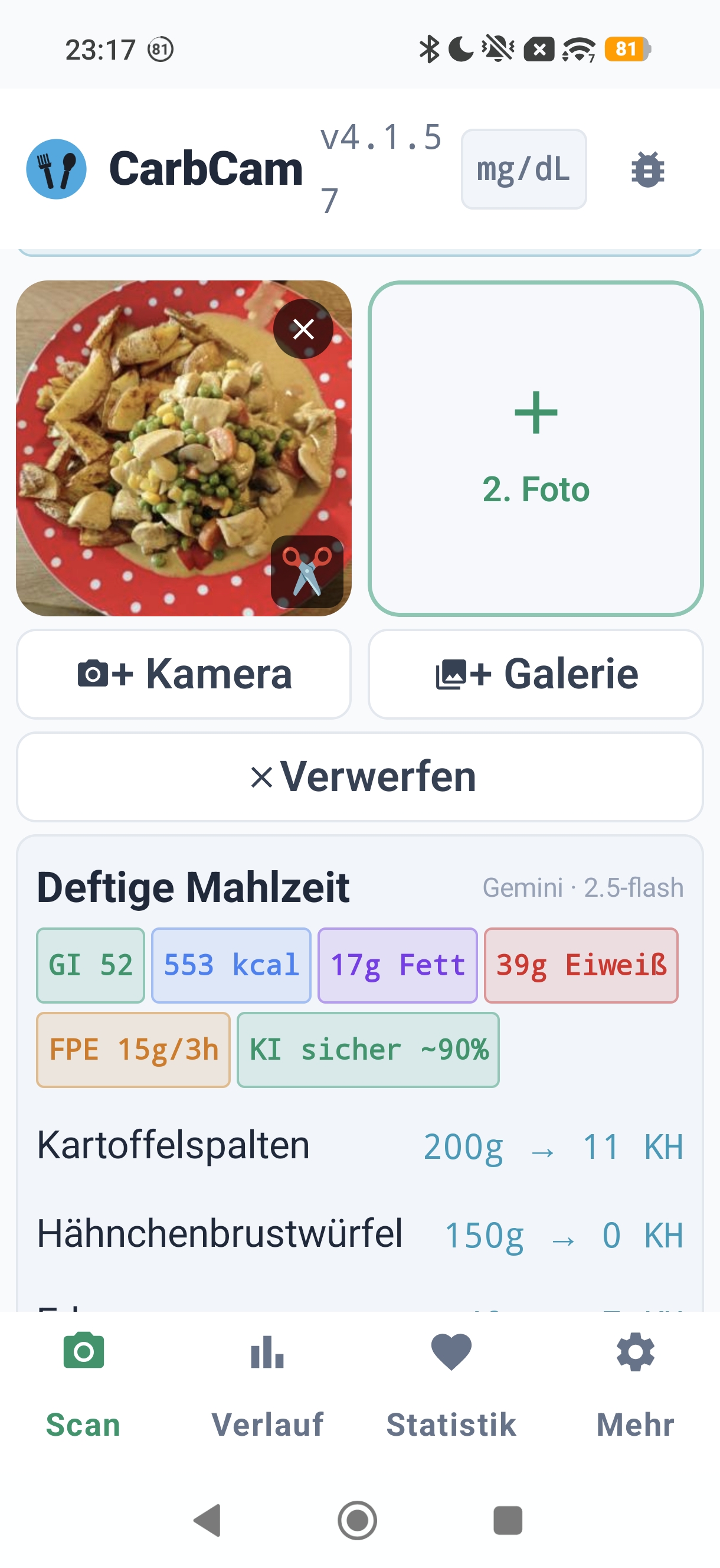
CarbCam is a photo-based app for carb estimation for people with diabetes, focused on accuracy, privacy, and a clear, fast workflow for everyday use.
The app is available on iOS and Android and is functionally identical across both stores. The shared core is written as a Kotlin Multiplatform Module, while the UI is native (SwiftUI on iOS, Jetpack Compose on Android).
The Idea
CarbCam was born from the 10be ecosystem, originally to complement the hosting for
Nightscout on ns.10be.de with a user-friendly photo tool.
Estimating carbohydrates at the dinner table is one of the most frequently repeated micro-tasks in daily diabetes management. One camera, one tap, one well-founded estimate, that is the idea.
Platform & Architecture
iOS
- iOS 18+
- SwiftUI, Swift 5.9+
Android
- Android 8+
- Jetpack Compose, Kotlin
Shared Module
Kotlin Multiplatform, nutrition logic, Nightscout wire, I18n, validation, formula calculation. Single source of truth.
Server
ns.10be.de: analysis proxy to several AI providers (Anthropic Claude, Google Gemini, OpenAI, xAI Grok, Mistral, OpenRouter) + Azure OpenAI and Zhipu GLM with BYOK, feedback system, update distribution, status page. The same server that also runs the Managed Nightscout Hosting.
Open-Source Libraries Used
CarbCam uses these libraries, many thanks to the maintainers:
iOS-specific
- TOCropViewController MIT: Image cropping
- Apple Vision, Barcode detection & local image analysis
Android-specific
- Jetpack Compose Apache 2.0: UI toolkit
- Room Apache 2.0: Local DB
- Google Maps Compose Apache 2.0: Maps & Location
- Coil Apache 2.0: Image loading
- Retrofit / OkHttp Apache 2.0: HTTP (Square)
- ML Kit Barcode Apache 2.0: Barcode scanner (Google)
Shared (Kotlin Multiplatform)
- Kotlin & Coroutines Apache 2.0: JetBrains
- Ktor Apache 2.0: HTTP for KMP
- kotlinx.serialization Apache 2.0
- kotlinx.datetime Apache 2.0
Build & Tooling
- XcodeGen MIT: iOS project generation
- Gradle, Build
Full license details per library are available in the app under Settings → Open-Source Libraries.
Data Sources
CarbCam uses the following external data sources to validate AI estimates:
Contact & Feedback
- In-App: Settings → Send Feedback
- Email: support@carbcam.app
- Web contact form: Open contact form
- Feedback Status: Settings → Feedback Status